Add AI vocals to your instrumental
Your track is finished. The vocal is not. Upload the instrumental, write the lyrics, and hear the song sung on your own production in a few minutes. Every decision after that is still yours: keep it, rework it, or send it to a singer as the demo.
No prompt writing needed. Pick a voice character, a delivery and an emotion, and Vokals does the rest. Two variations per run, so you have something to compare.
Trial vocals are for listening. Downloads and release rights come with a plan.
From instrumental to vocal in four steps
This is the whole process, start to finish. Most first runs take under ten minutes, and most of that is writing the lyrics.
Upload your instrumental
Drop in the track as an MP3 or M4A, up to 50 MB. Use the mix you would actually release, not a rough bounce: the vocal follows the tempo, key and energy of what it hears. If the track has a long intro, that is fine. The vocal comes in where the lyrics say it should.
Write the lyrics and shape the style
Paste or type your lyrics, up to 5,000 characters. Mark the sections with tags like [Verse], [Chorus] and [Bridge] so the vocal knows where the hook lands. No lyrics yet? Write a rough first pass. Hearing it sung tells you faster than staring at it whether the words work. Stuck on a line? Open Vokabulary inside Vokals, free for now. Vokabulary is not a tool that writes your lyrics for you, but a source of inspiration: words, images and angles you build on yourself.
Then shape the voice in Guided Mode: voice character, technique, emotion, genre and region. All visual, no prompt writing. Expert Mode is there if you would rather write the style yourself.
Generate
One run costs 12 credits and gives you two vocal variations on the same lyrics and settings. Listen to both on top of your instrumental, in the browser, before you decide anything. Runs usually complete in a few minutes. A failed run is credited back automatically.
Refine and download
Like one variation but not one line? Section replacement regenerates just that part for 10 credits and leaves the rest untouched. Happy with it? Separate the vocal, download the WAV stem, and drop it on your original instrumental in the DAW like any other vocal track. The mix you heard in the browser was the demo; your own production is the one that ships.
Built for producers with a finished track
Vokals is at its best when the production is done and the only thing missing is the voice. Dance and electronic tracks that need a hook. Pop and R&B demos that need a topline before a singer hears them. Beats that have been sitting as loops for months because nobody was around to sing on them.
It works with what you give it. A clear arrangement, a defined key and a steady tempo give the vocal something to lock onto. The vocal follows your track, not the other way round.
The full mix you hear back is not the deliverable.
Vokals renders your track with the vocal on it, and it keeps the tempo and key, but it likes to polish the instrumental along the way: a bit more sheen, a slightly different balance. Listen to it as a demo.
Then separate the vocal stem, download it, and put it on your own untouched instrumental in the DAW. That is the workflow.
Long tracks: generate per section.
For a very long track, or for a track whose sections want very different vocals, split it and generate per section. Section replacement then covers the joins.
Neither is a hard limit. They are the cases where a second run is more likely to be needed.
Stems, not a stereo file you have to fight
Two variations per run
Same lyrics, same settings, two takes. Pick one, or take the verse from one and the chorus from the other.
Vocal stem
Separate the vocal from your instrumental and download it as a WAV on its own, so it sits in your session like any recorded vocal.
Section replacement
Regenerate one line or one section for 10 credits. The rest stays exactly as it was.
Your project, kept
Every run, every variation and every stem stays in the project until you delete it.
Can I release it?
Yes. Any vocal you generate while you have an active subscription or valid credits stays licensed for use in your productions, including after that subscription or credit pack ends. Release it, sync it, sell the track. You do not owe Vokals anything further.
On the free trial you can generate and listen, but trial vocals are not licensed for release and cannot be downloaded. The trial is for finding out whether this works for your music. The plan is for making records.
The instrumental stays yours.
And the responsibility for it stays yours too. Vokals does not check what you upload. If you are working on a leased or bought beat, your agreement with the beatmaker still applies to the finished track, vocal included.
The vocal goes on the track first.
What happens next is up to you.
Release it.
The vocal is the vocal. Separate the stem, drop it in your session, treat it like a take from a session singer: comp, tune, layer, mix. Producers on the platform have released tracks this way on their own labels and on other people's.
Hand it over.
You wanted a real singer all along, but you also wanted to know what the song is before booking anyone. Generate the topline, send the demo, and ask her what she would do with it. She gets a worked-out direction instead of an instrumental and a vague description. She may tell you to send the instrumental instead. That is a useful answer too.
Sample packs, a singer, or a vocal on your own track
| Option | Fast | Original | Fits your track | Direction |
|---|---|---|---|---|
| Sample packs | Yes | No | Sometimes | Low |
| Waiting for a singer | No | Yes | Yes | Medium |
| Vokals | Yes | Yes | Yes | High |
Sample packs
Quick, but the phrase was sung for someone else's track, in someone else's key, with someone else's words, and a hundred other producers bought it too.
A singer
The real thing, and the real thing takes a booking, a session, a revision round and, when you are still finding the song, a second session.
Vokals
Sings your words on your track today, and leaves every decision that matters, including whether to book the singer, with you.
Start free. Pay when it earns its place in your session.
The trial gives you 120 credits, about ten generations, for listening only. The credits stay valid for six months. No card needed, just a verified phone number.
Two paid plans. The difference is how many credits you get. Yearly subscribers receive 1,200 credits a month, dripped monthly; top-up packs are there when a busy month runs out. A generation costs 12 credits, a section replacement 10. Monthly credits do not roll over, and failed runs are refunded automatically.
Tracks that were stuck, and then were not.
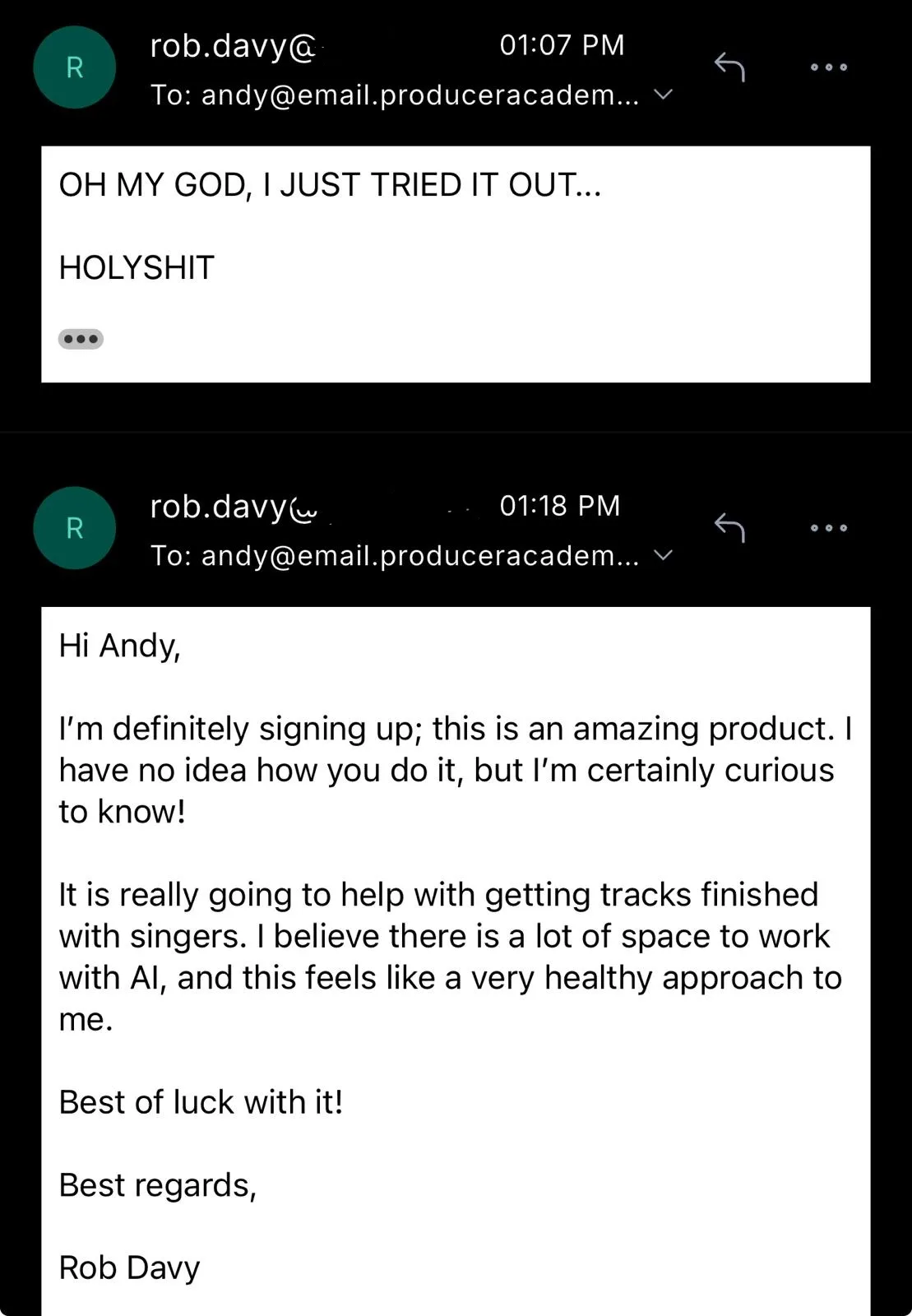
Rob Davy, a UK producer and Vokals customer, wrote this after his first time using it:
I'm definitely signing up; this is an amazing product. I have no idea how you do it, but I'm certainly curious to know! It is really going to help with getting tracks finished with singers. I believe there is a lot of space to work with AI, and this feels like a very healthy approach to me.
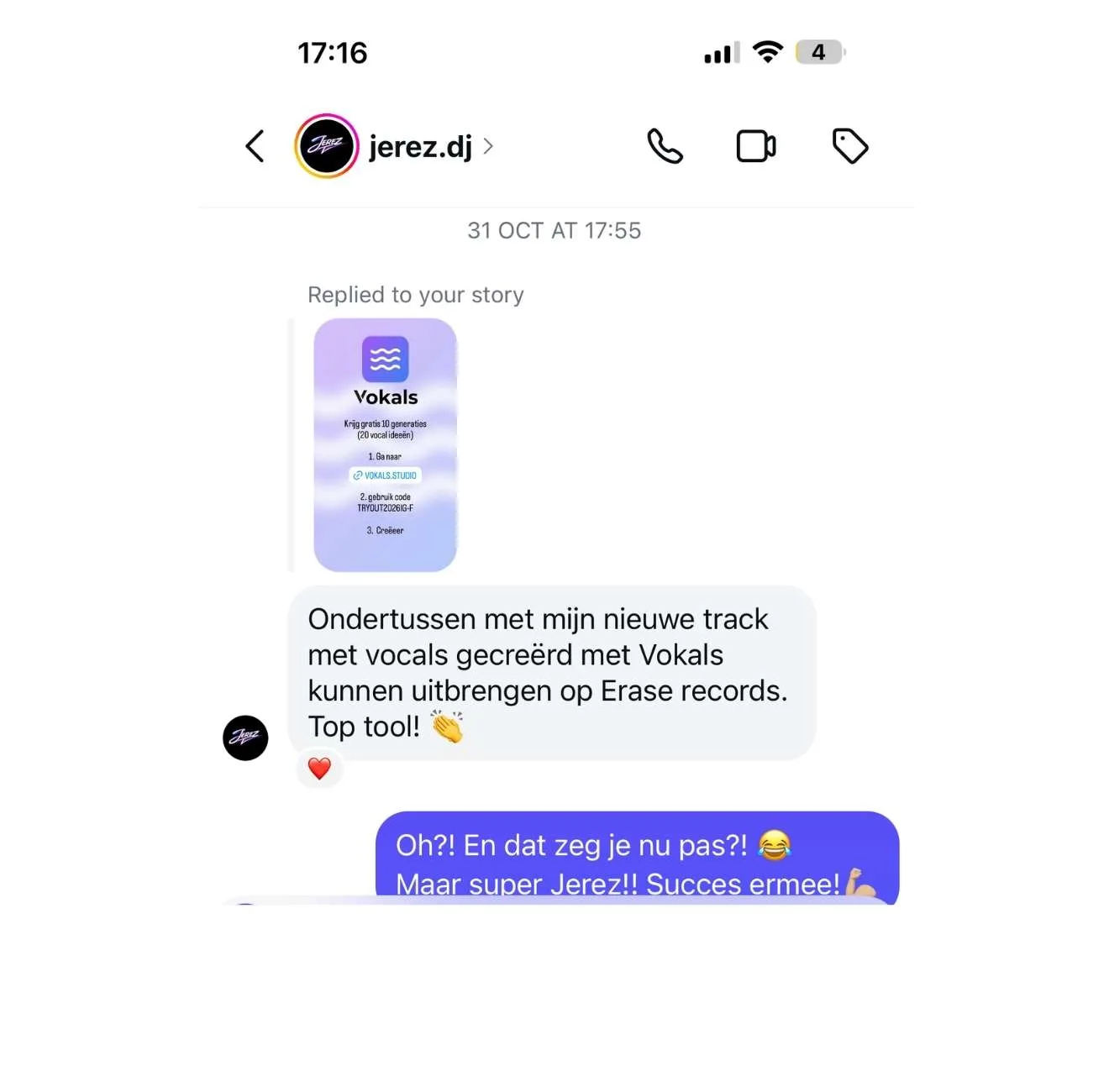
Jerez released the result on Erase Records:
In the meantime I've been able to release my new track, with vocals created using Vokals, on Erase Records. Great tool!
Before you upload
Does the vocal stay in key and in time with my track?
Yes. The vocal is generated on top of your instrumental, so it follows the key, tempo and phrasing of what you uploaded. If a line lands late or early, regenerate that section rather than the whole run.
Can I add vocals to an MP3?
Yes. MP3 and M4A, up to 50 MB. Upload the best-sounding version you have; the vocal is only as informed as the track it hears.
Can I choose a male or female voice?
Yes. Voice character is the first Guided Mode control. Pick one, and pair it with a technique and an emotion. You can run the same lyrics with two different characters and compare.
Can I change the lyrics after generating?
Yes. Edit the lyrics and run again, or use section replacement to redo just the lines you changed. Each run is a new pair of variations; the earlier ones stay in the project.
Can I regenerate only the chorus?
Yes. Section replacement regenerates one section for 10 credits and leaves everything else exactly as it was. It is the cheapest way to fix a line you do not like.
How long does a run take?
Usually a few minutes. Both variations then play in the browser on top of your instrumental, so you can compare them before deciding anything.
Can I use this on a beat I bought or leased?
You can upload it. Whether you can release the result depends on your agreement with the beatmaker, not on Vokals. The vocal licence covers the vocal; the beat licence still covers the beat.
Do I own the vocal?
Any vocal generated while you have an active subscription or valid credits is licensed for use in your productions, including after the plan ends. Release it, sync it, sell it. Trial vocals are listen-only and not licensed for release.
What if the result is bad?
Run it again with a different character, or fix the weak section. Failed runs are refunded automatically. Runs that complete but that you do not like are not; that is what the two variations and section replacement are for.
Does it work on my phone?
Yes. Uploading, generating and listening work on mobile. For editing stems you will want the DAW, which means the desktop.
Hear your track with a vocal on it today.
The instrumental is done. Upload it, write the words, and stop guessing what the song is.
Whether you release the vocal or hand it to a singer is the second question.